
Battery Screen Secrets: Troubleshooting & Protocol Settings Revealed!
📝 Description
Discount Coupon code ($50 off $500): GET50TGBATG
Explore the features of our battery module screen, including standby mode and communication protocols. Learn how to troubleshoot using voltage and amp readings. Discover how to check the amp power capacity and current flow for optimal battery performance! #BatteryModule #StandbyMode #CommunicationProtocol #Troubleshooting #VoltageReading #AmpCapacity #BatteryPerformance #TechTips #DIYPower #Electronics
batterydiy
🎬 Related Videos
📝 Video Transcript
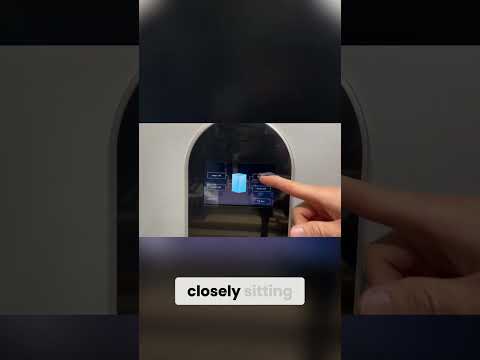
Taking a closer look at the screen, they did a pretty good job on the screen and unless you're in the settings mode or going into settings mode, you're not really going to be able to touch much, right? As I just saw there, right? So, it's got right now standby mode and it's got what communication protocol the battery set to right now and you can change these, but in case you're troubleshooting, it is really nice to look at the screen and kind of figure out what the protocols are set to. It's got voltage right here, the amp hour capacity and also the current currently the amps flowing through the battery.