
Understanding Your Battery Box: Current Status Explained
📝 Description
Discount Coupon code ($50 off $500): GET50TGBATG
Explore the inner workings of your battery box as we decode its current status—87% charge, 63 watts, and flowing electricity details. Stay informed about the inverter’s status and ensure optimal performance! #BatteryBox #RenewableEnergy #InverterStatus #ElectricityFlow #EnergyManagement #TechExplained #SustainableLiving #DIYEnergy #TechTips #PowerYourHome
statusbatteryboxcurrentaboutbatteryboxchargecodecoupondecodedetailsdiscountdiyenergyelectricityelectricityflow
🎬 Related Videos


📝 Video Transcript
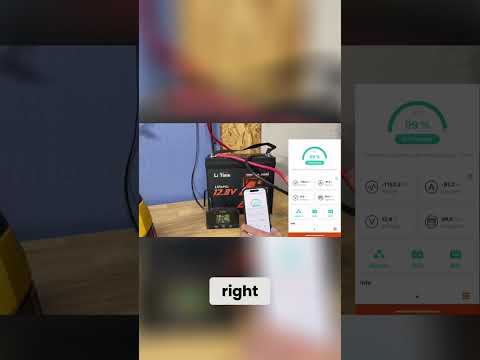
And this right here is your battery box. Right now, the battery is at 87%. It's pulling 63 watts at 53.2 volts and 1.2 amps coming out. The the flow of dots, as you can see here, is the flow of electricity.
So, in this case, the electrons are flowing out of the battery and going into the inverter. Here's a status of the inverter. These little dots here, um, you'll see on the right side, it is reflective of the dots that's actually on the inverter, right? So, in case you didn't you had the inverters mounted somewhere remotely, whatever dots are on here, it's going to be exact replica of what's going on