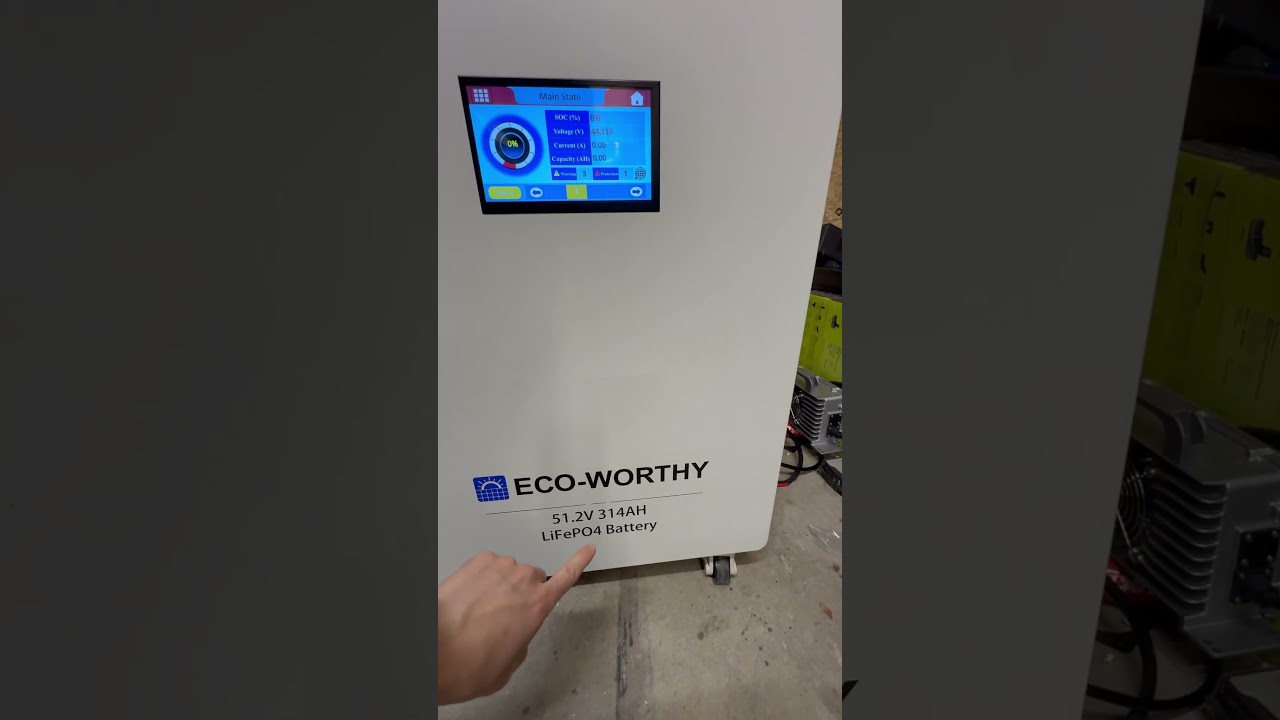
New V-Tube Battery: Works Perfectly!
📝 Description
Discount Coupon code ($50 off $500): SAVE50TGBATG Learn how to connect a new V-tube battery to your system! This video tutorial demonstrates the process step-by-step, showing you how to integrate the battery and verify its functionality within your system's devices. We'll cover the EG4 and LifePower IV VII batteries. #VtubeBattery #BatteryConnection #SystemUpgrade #TechTutorial #DIY #EnergyStorage #HomeEnergy #RenewableEnergy #HowTo #TechTips
batteryeg4diy
🎬 Related Videos
📝 Video Transcript
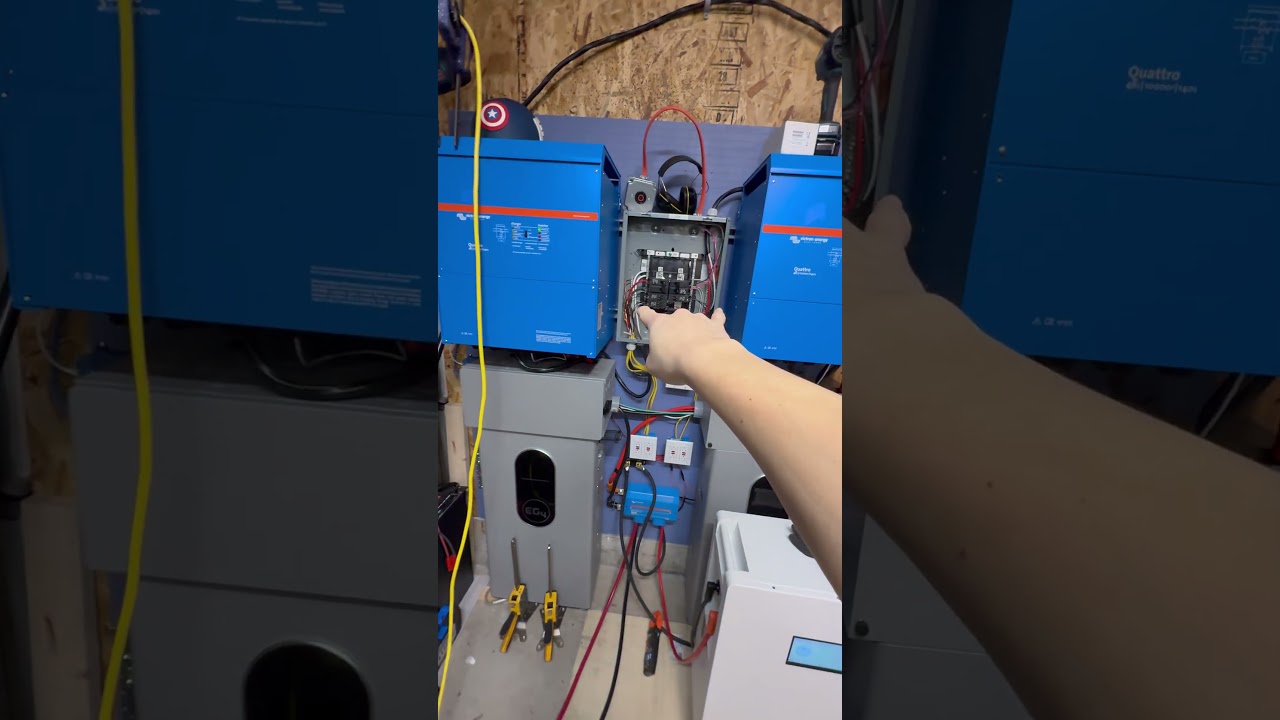
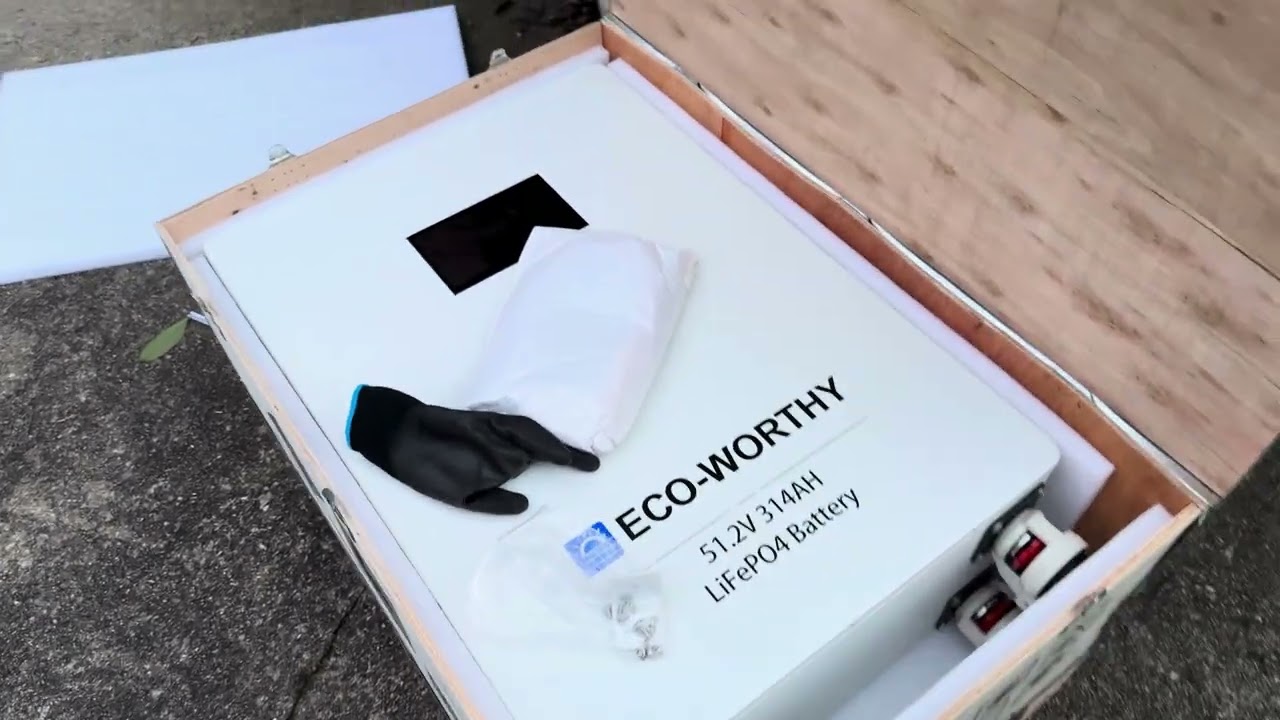
So, uh, we're not going to go over into that, but now we're going to first start with getting this, uh, new V2 battery connected to this system. Okay. In order to show you that it actually does work, we have it connected. Here are the uh, system devices in this system or devices in this system.
And right here is the EG4 battery, right? The LL battery. So if you go into the battery, you can go into details and then see that there are now two battery modules online.