Unlock Your Battery's Full Potential: Active Balancing Explained! #shorts
📝 Description
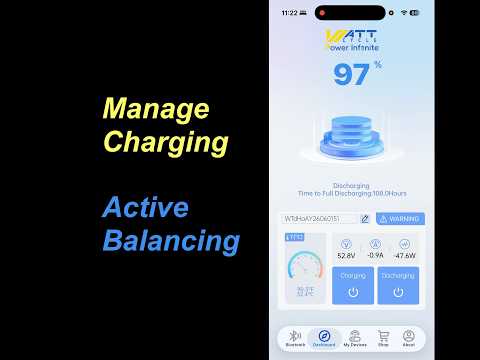
Discover the active balancing feature on your battery screen. Learn how to enable and disable it, and monitor the current balancing activity in real-time. #BatteryTech #PowerManagement #Electronics #TechTips
balancingactivebatteryactivitybatterytechcurrentdisablediscoverelectronicsenableexplainedfeaturefullhowlearn
🎬 Related Videos
📝 Video Transcript
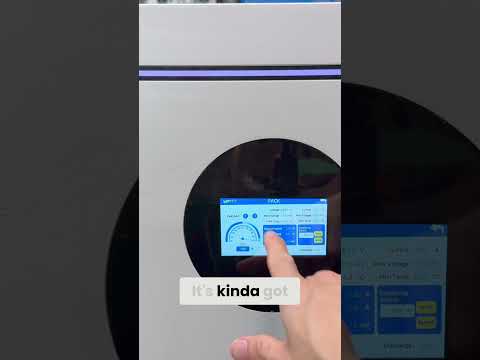
From this screen, you can turn on what they call equalizing switch. Uh equalizing switch pretty much means uh active balancing. So, this can do active balancing between the cells at a max current of 3 amps. So, right now you can see right here, balancing current is going around 2.
38 to 2. uh 41 2. 36 because the equalizing switch is on, but you can take this right here, and then you can turn it off, and then right and when you hit right, it'll save it, and then it'll turn it off. I don't know why anybody would want to turn off, you know, equalizing balancing, but we're not going to do that.
We're just going to leave it there to on.